Skip to content
SimulatorsIn3D

Home Circuit Simulator

Circuit SimulatorWill it light up? Build it and find out, safely.

About this circuit simulator

Circuit Simulator: will your circuit work?

Will your circuit work, and what will happen when you switch it on? Pick a question or start from an empty board and wire up batteries, LEDs, bulbs, resistors, switches, buttons, buzzers, fans, capacitors and fuses on a 3D board. The simulator solves the circuit as you build it and tells you in plain words whether it works, how much current flows, what is too bright, what will burn out, and how long the battery will last, with a one-tap fix when something is wrong.
3D circuit board with a 9 volt battery, a 470 ohm resistor and a glowing red LED, with the answer card showing 14 mA and a safe verdict

How to use the circuit simulator

  1. Ask a question on the right. The board wires up the circuit and the card answers it: does it work, how much current flows, what will burn out, how long the battery lasts.
  2. Build: pick a part under the board and tap the gap between two posts. Drag along posts to lay wires. A part dropped on a wire replaces it.
  3. Use: with ✋, tap switches, hold buttons, and tap any part to read its voltage, current and power, flip it, or change its value. 📏 Meter: tap two posts to measure the voltage between them.
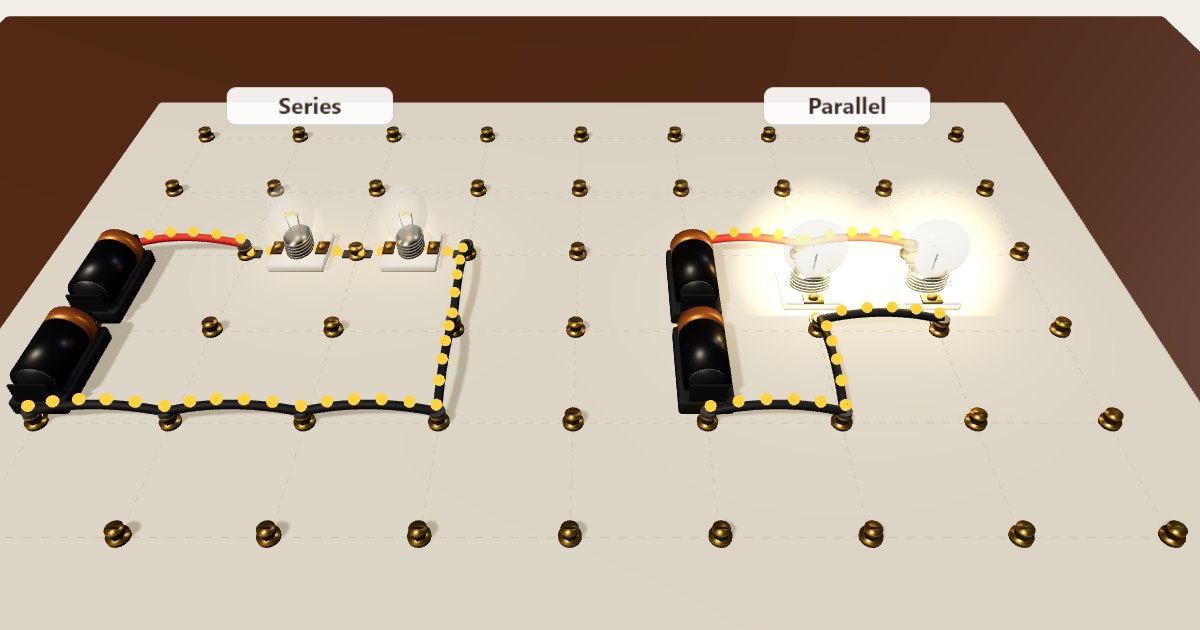
  4. Yellow dots show the current: faster dots, more current. LEDs only work one way round, the flat side goes towards −.

The simulator solves the full circuit 600 times a second with real component models: batteries with internal resistance, LED diode curves, bulbs whose filament resistance rises as they heat, charging capacitors and motors with back-EMF. Burnt-out parts can be replaced with one tap, nothing here can hurt you.