Skip to content
SimulatorsIn3D

Home Fluid Simulator

Fluid SimulatorStir, pour, tilt, and find out what floats.

About this fluid simulator

Fluid Simulator: stir, pour and see what floats

A glass tank of real-feeling liquid you can stir with a spoon, pour from a tap, tilt, drain and fill with waves. Drop in a pine block, an egg, an ice cube, a rubber duck or a coin and see whether it floats or sinks, and exactly how deep it floats. Pour oil onto water, add honey, stir in salt, or break a dam, and the answer card explains what you see with the real numbers.
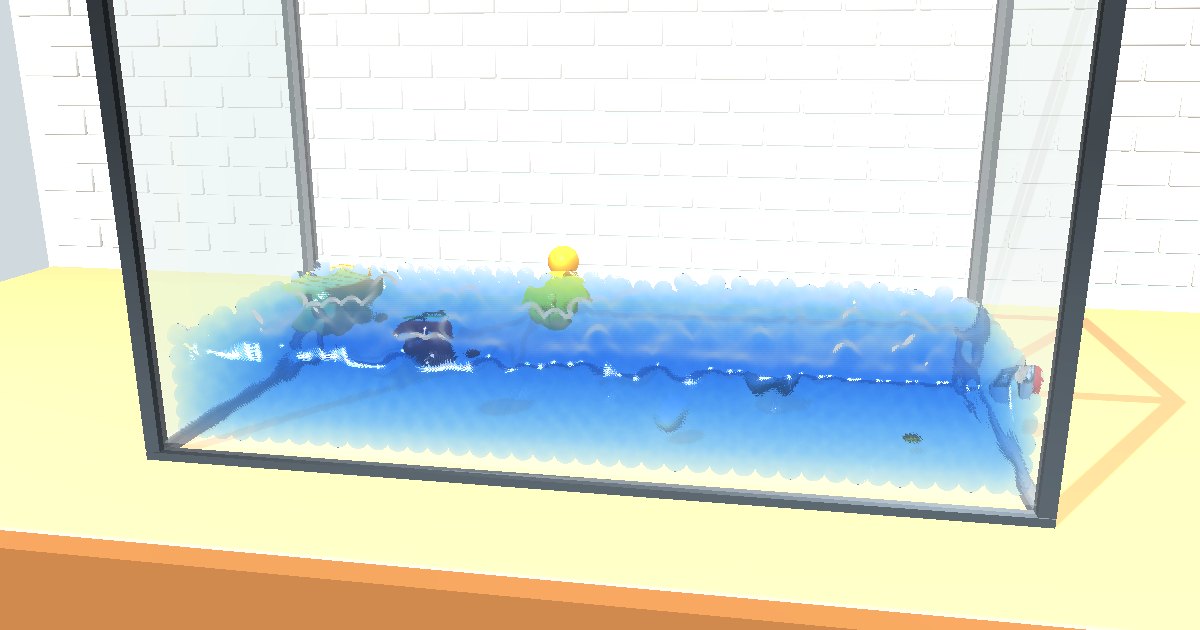
3D glass tank of blue water on a kitchen counter with a floating pine block, rubber duck and apple and a sunken stone and coin

How to use the fluid simulator

  1. Ask a question on the right, the tank fills itself and the card explains what happens, with the numbers.
  2. 🥄 Stir: drag in the tank. 🚰 Pour: hold on the tank to pour the liquid you picked. 🦆 Drop: tap over the tank to drop an object; drag objects to move them.
  3. 🌊 Waves starts the paddle, 🕳️ Drain opens a hole near the bottom, 🧂 Salt turns fresh water into salt water, ↔ tilts the tank.

The liquid is about 3,000 particles solved with Position-Based Fluids. Each liquid has its own density and viscosity, and floating objects feel Archimedes’ buoyancy from the liquid actually around them, so the depth they float at matches the density ratio.